

 Português
 Español
By double-clicking on a project in your PAA dashboard, you can edit the project or add a new stage.
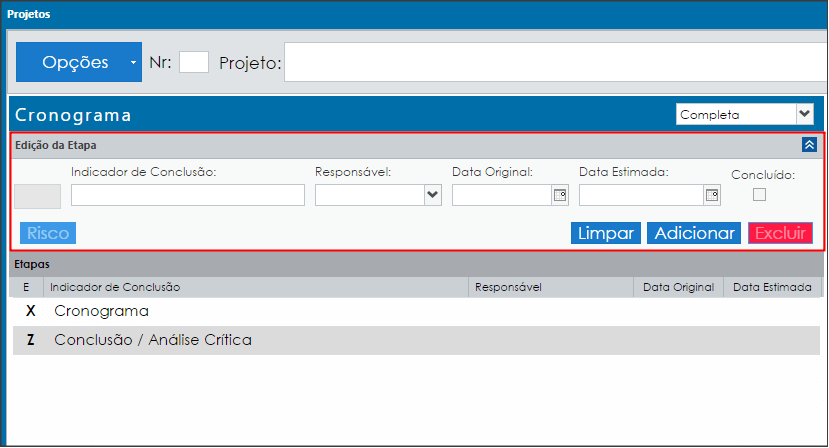
Two stages are automatically registered: the Schedule and the Conclusion.
To add a new stage, enter the information and click ADD.
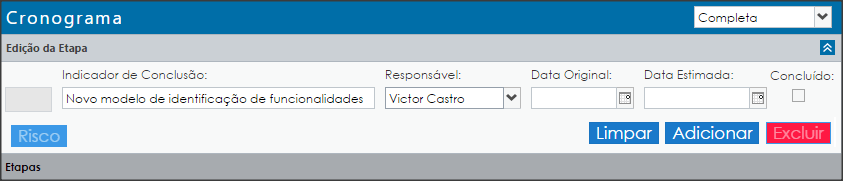
Once added, the stage will be displayed as shown in the image below:
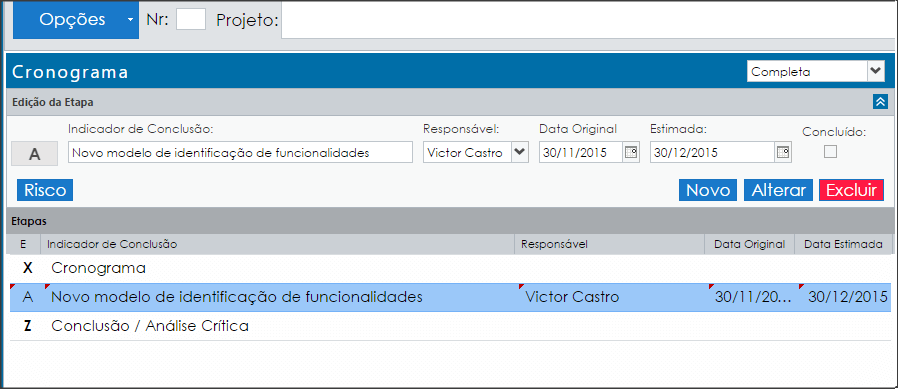
To edit, simply double-click on the stage and make your changes.
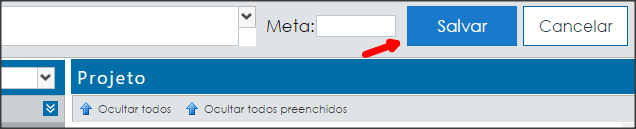
Don’t forget to save!
IMPORTANT:
The risk and attachment buttons are enabled for all stages EXCEPT schedule and conclusion stages! Therefore, stages X and Z do not have this functionality.