
 Português
 Español
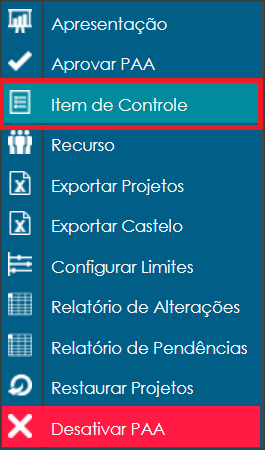
To register control items, click the REGISTER button.

Select the CONTROL ITEM option.
A new window will open, where you need to fill in all fields to add a new item. First, select the user and their control item.
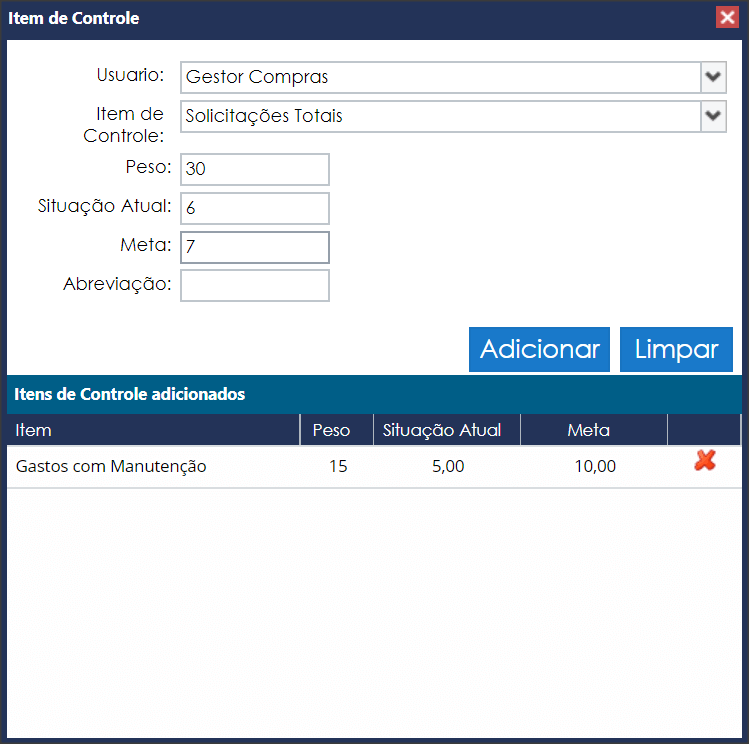
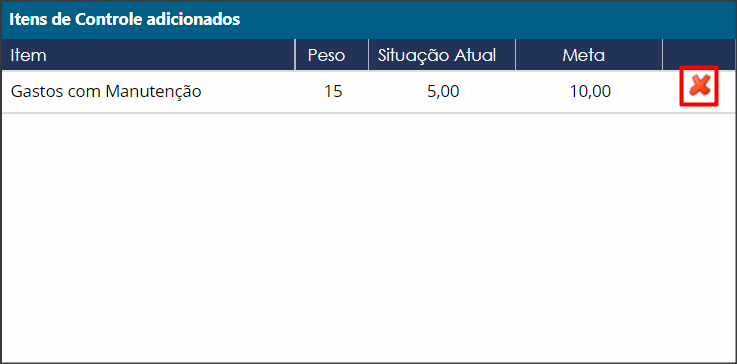
At the bottom of the window, all already registered items will be displayed.
To delete an item, click the X button in the last column.
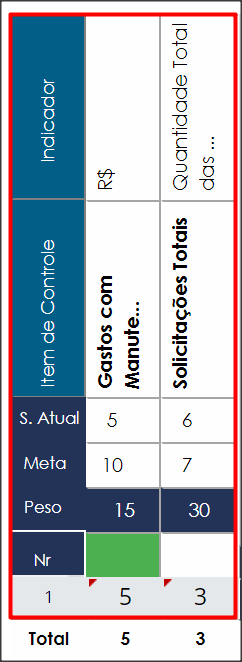
Your control items will now be displayed on the main panel of your PAA.