
 Português
 Español
In the Item Registration, you can configure whether other users can use your control item for totaling, linking, or comparative measurement.
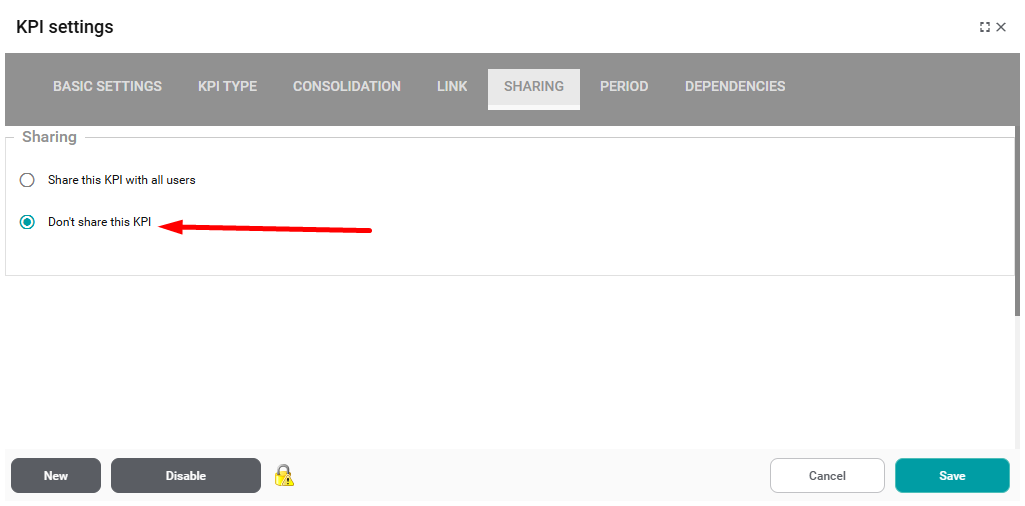
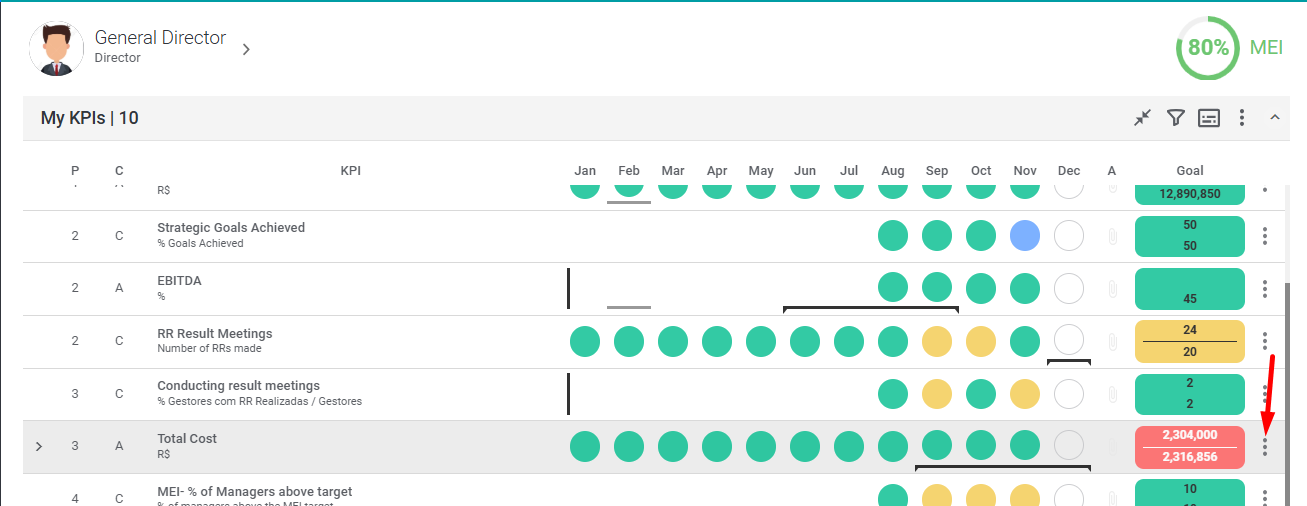
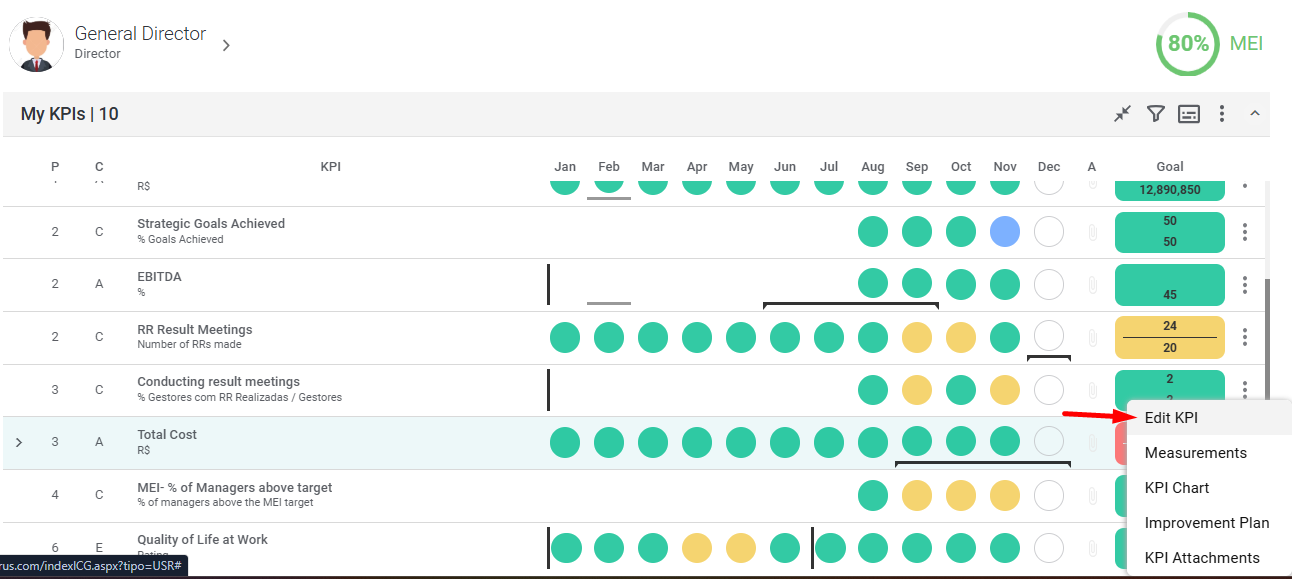
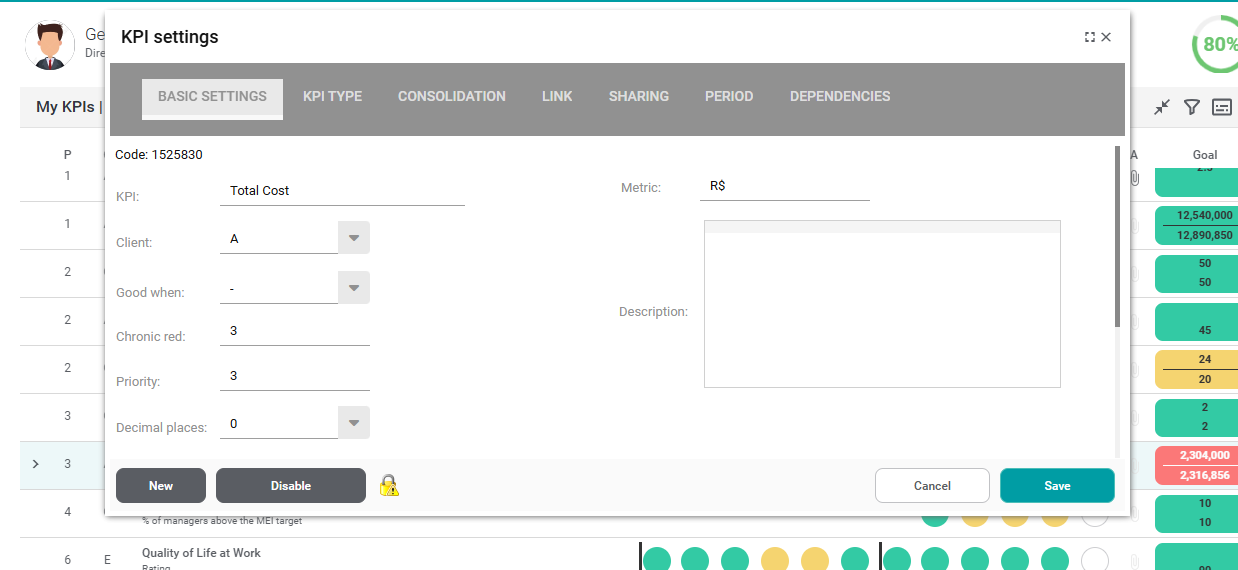
When registering a control item, you can define whether it can be viewed by other users. To do so, go to the Item Registration and click the “Sharing” tab.
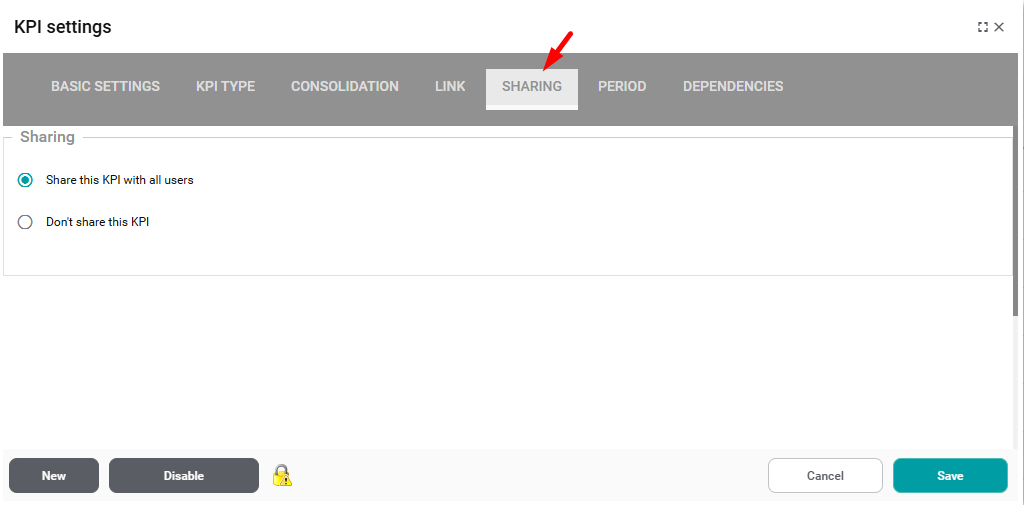
By default, items will be set to Share this Item with All Users. This allows any user with access to your profile to use your item for totaling, linking, or comparative measurements.
The Don’t share this item option will prevent any user from viewing your item.