
 Português
 Español
Through this report it is possible to extract a list of all KPIs linked to all Indicators.
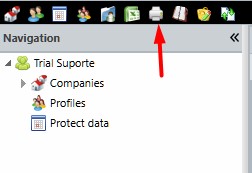
To generate an Indicator Link Report, simply click on the Reports icon in the system menu:
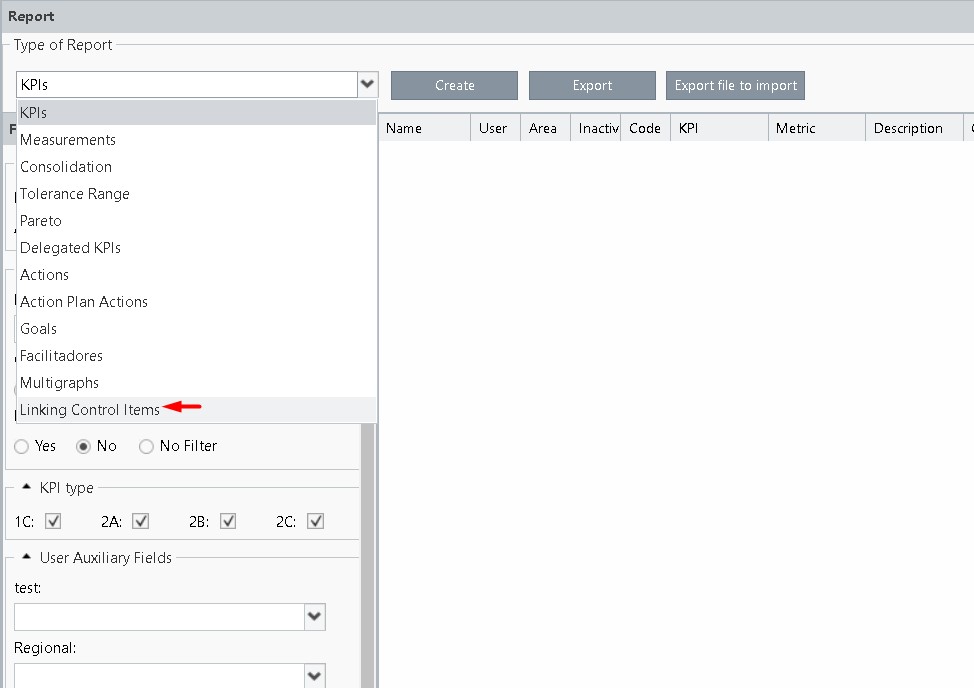
Then click select the KPI Linking option and filter the data according to your needs.
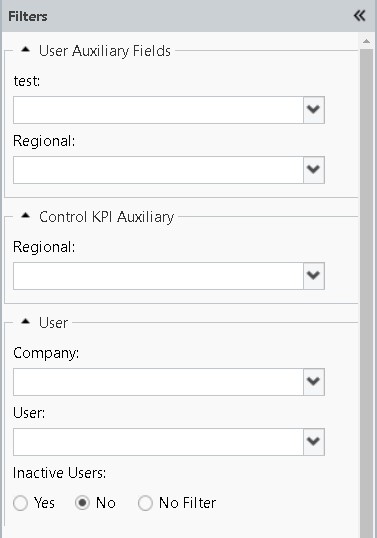
The filters available in this report are:
The Generate button will display the report information on the screen.
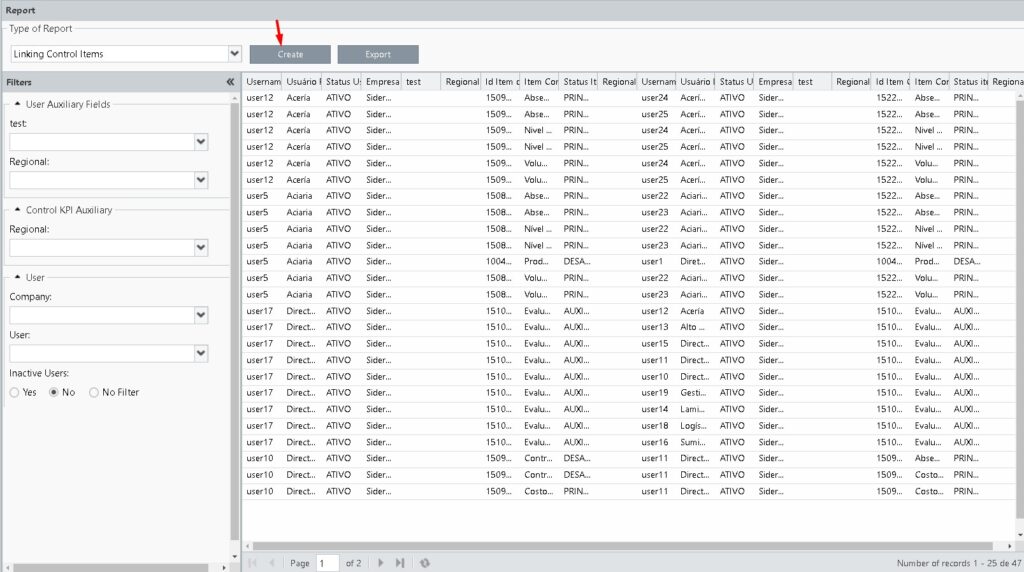
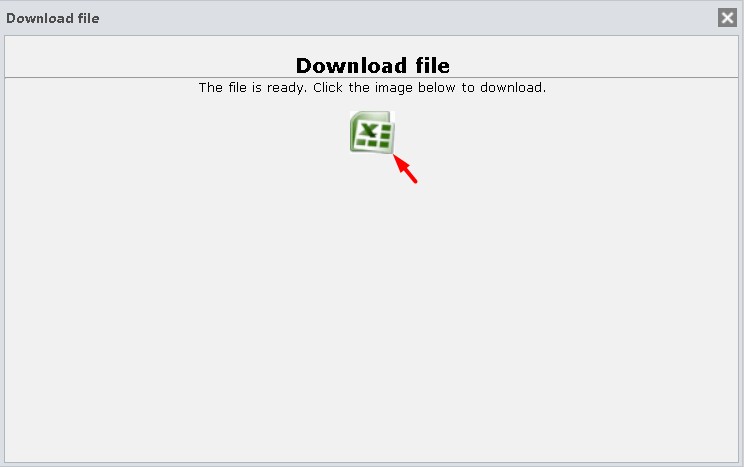
The Export button will create a downloadable Excel file.